Visualize the long work.
Share the growing.
A desktop companion for animators, game developers, illustrators, filmmakers, makers, and any artist whose project needs time to see the finish line. Drop a sketch, a render, a BTS clip into today's column. Watch the frame fill up. Share the growing.
A desktop app for visual artists to see the work happening.
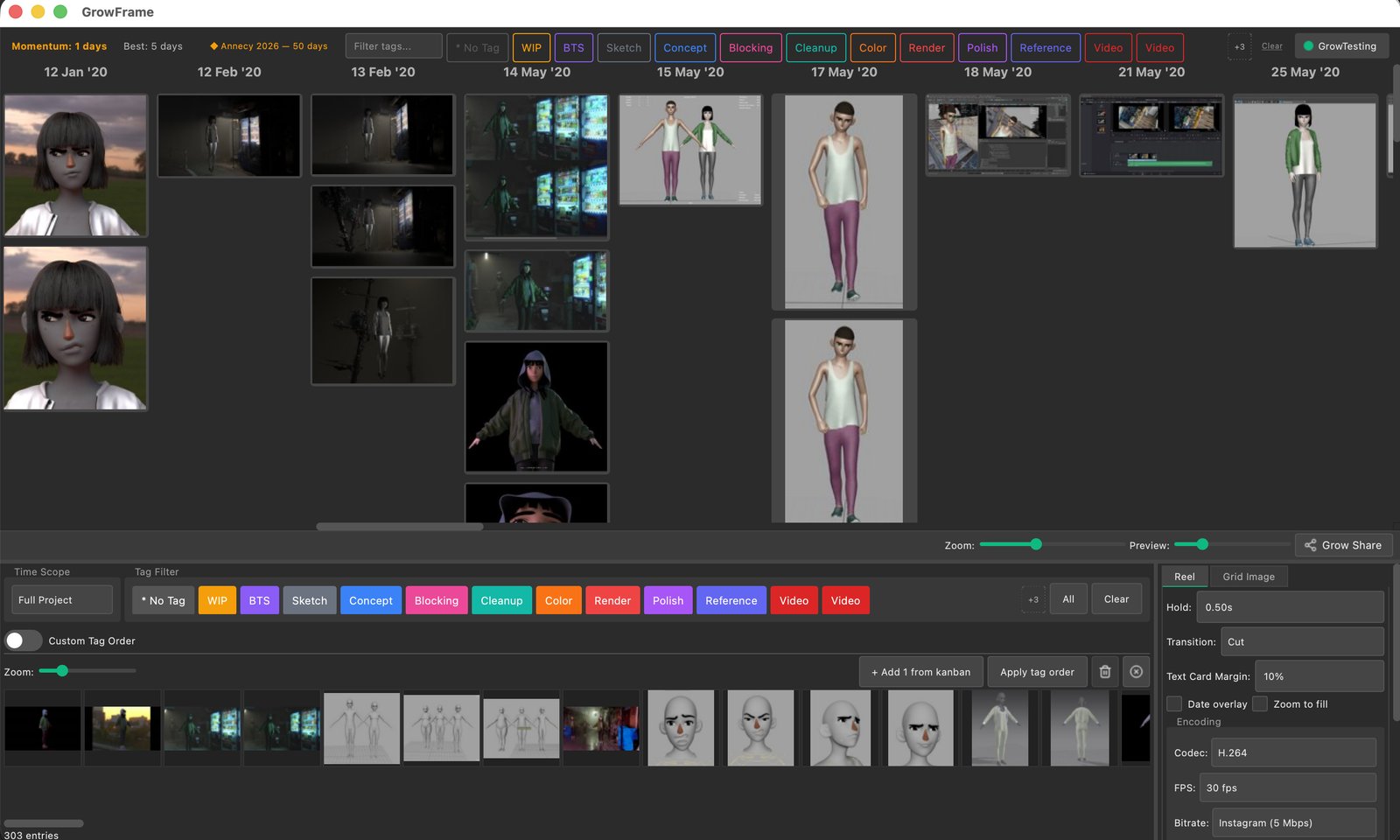
A Kanban-style calendar where you drop an image, a video, or a GIF to represent each day's progress. The columns grow. The project becomes visible. You feel momentum on something that usually feels invisible.
…a project management tool.
No tickets. No burndowns. No sprint planning. GrowFrame doesn't care what you plan to do — it cares what you actually did today, and it keeps a visible record.
…a tool that makes project progress visible and keeps you motivated.
Planning and willpower only get you so far. GrowFrame sustains long creative work by making progress visible, tangible, and shareable — the invisible six-month grind, made real.
In a world of AI-generated content, GrowFrame celebrates the human creative process — the messy sketches, the failed renders, the incremental improvements. Your timeline is a story of real work, real struggle, and real growth. Sharing it encourages other artists to keep going on their own hard projects.
I'm seven
years into one
animated short.
GrowFrame is the tool I built to keep myself going.
For seven years I've been dropping progress images into a folder on my laptop. Some years a lot. Some years almost nothing. When I open that folder and scroll — the rough sketches, the failed renders, the tiny wins — it's the only thing that keeps me going.
Planning apps didn't help. Gantt charts didn't help. They're built for teams shipping features, not for one person painting the same frame for a week. In a world drowning in AI-generated content, what we have left as human artists is the messy, incremental, deeply personal process. That's worth showing.
GrowFrame makes the long work visible. Drop today's work in. The timeline grows. A few weeks, months, or years later, you can see all your progress at a glance — something to motivate you to continue, share what you're making, and finish it.
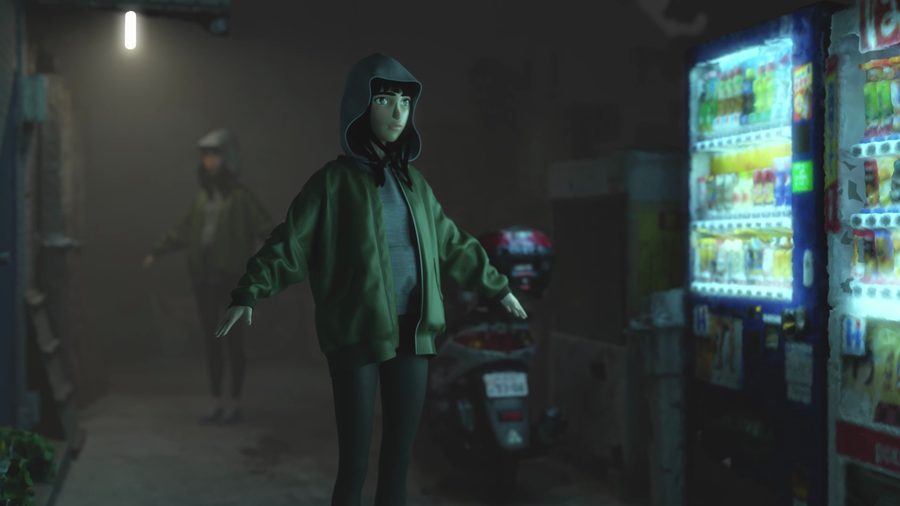
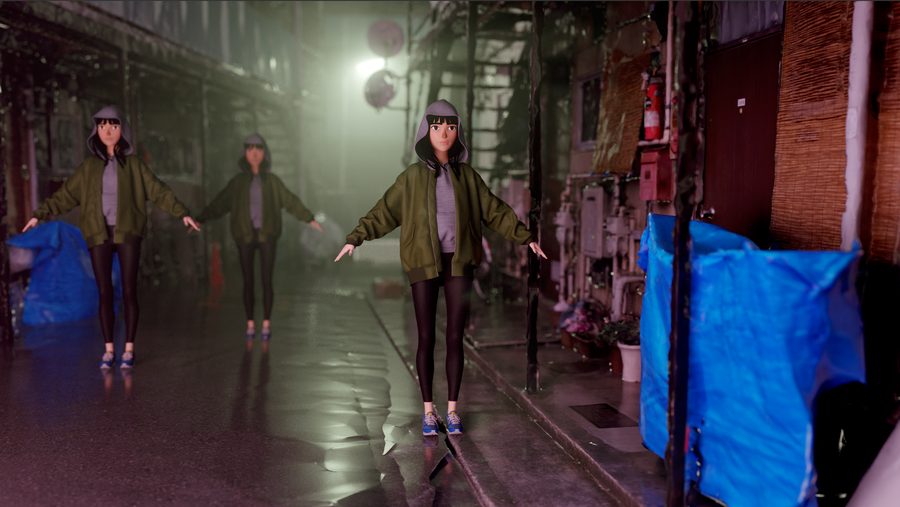
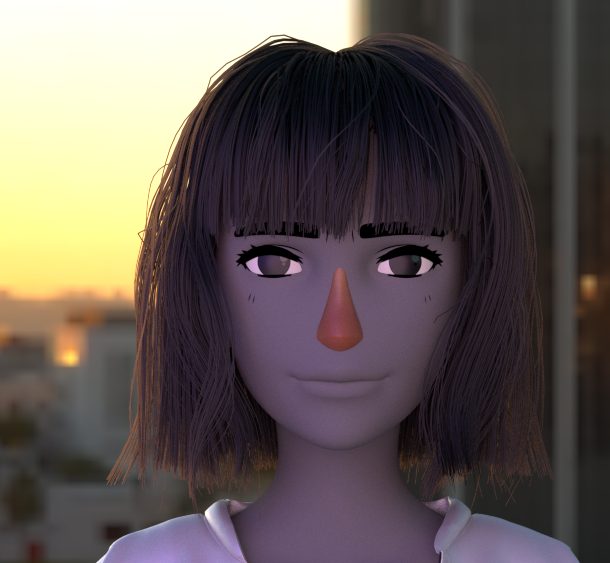
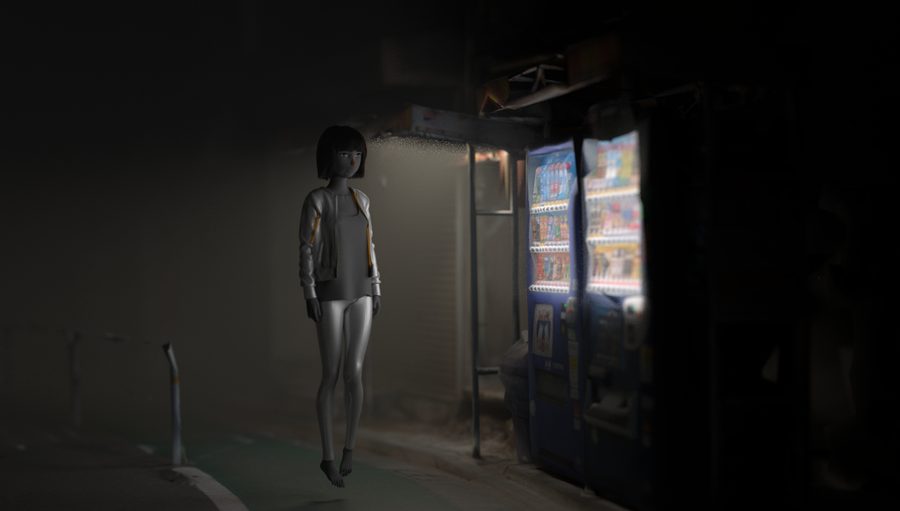
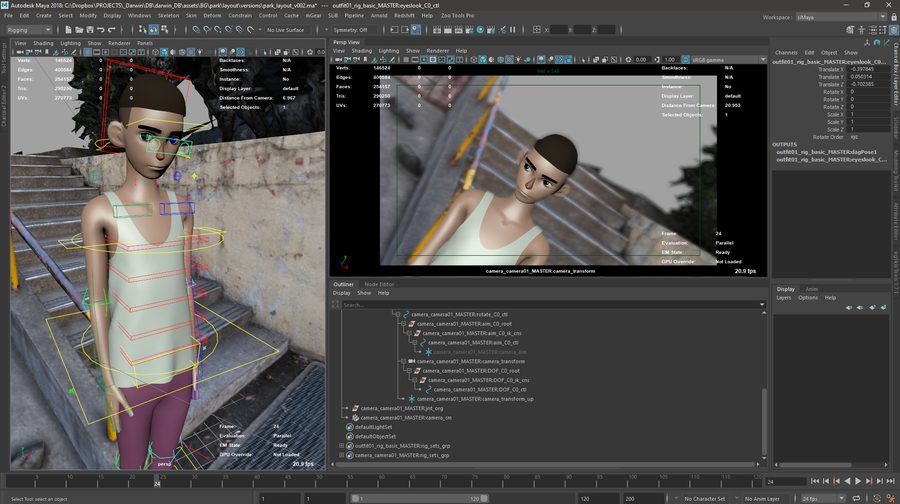
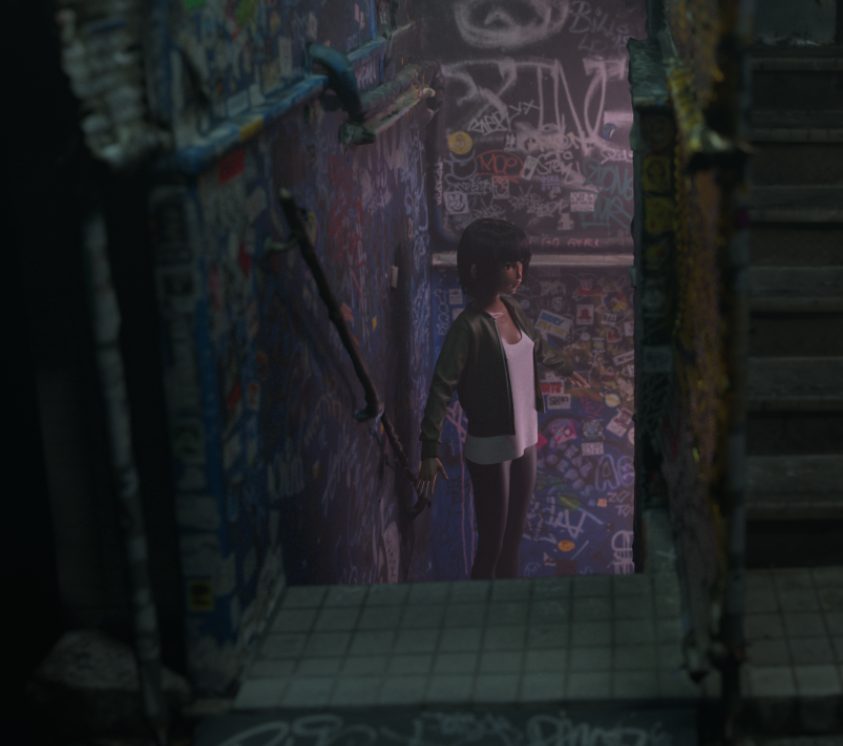
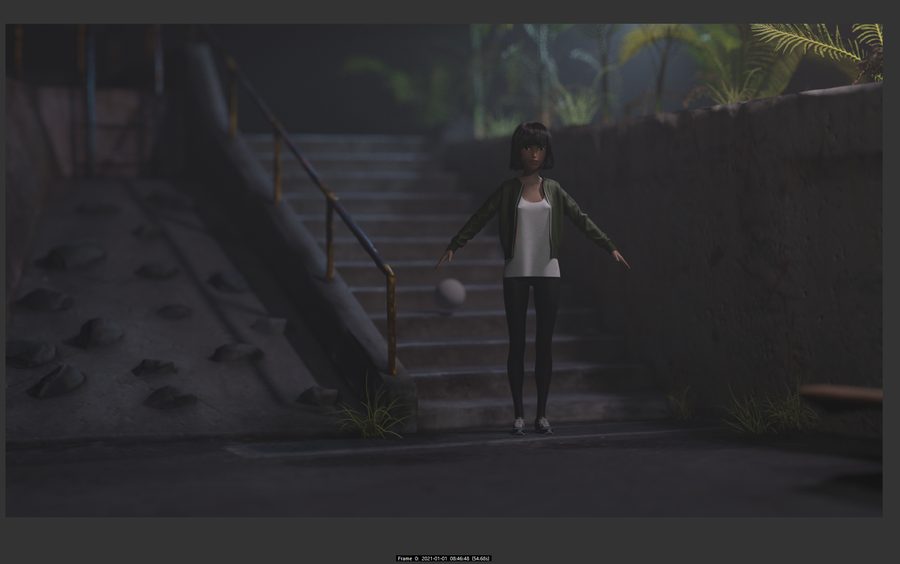
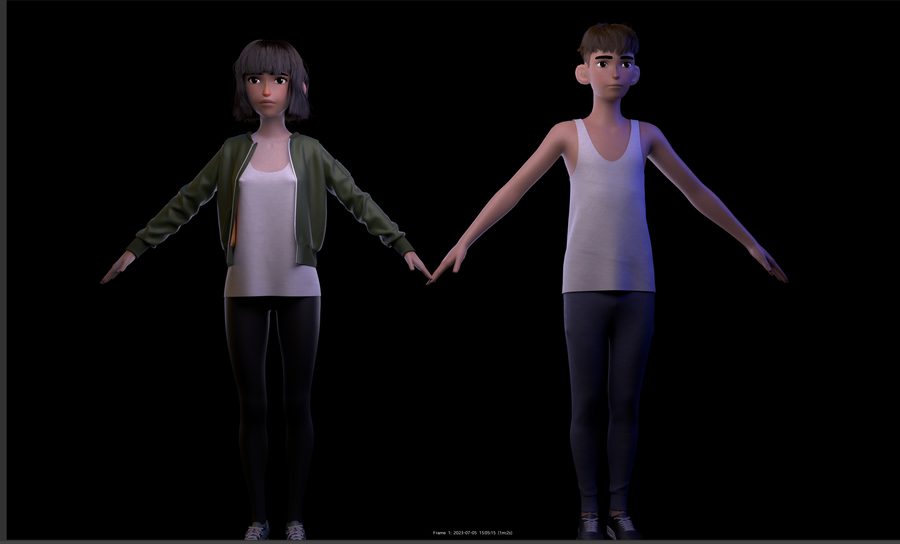
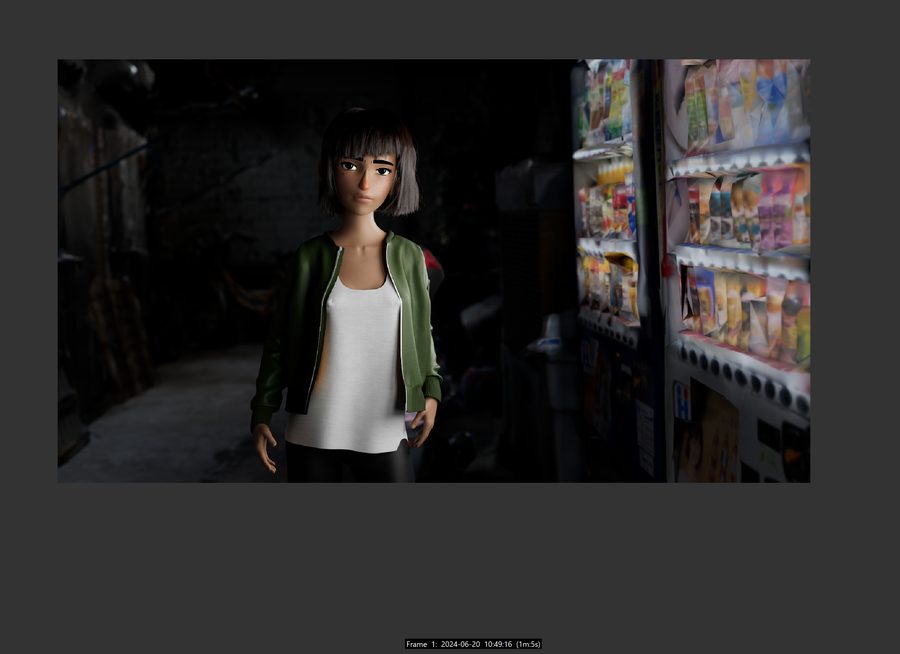
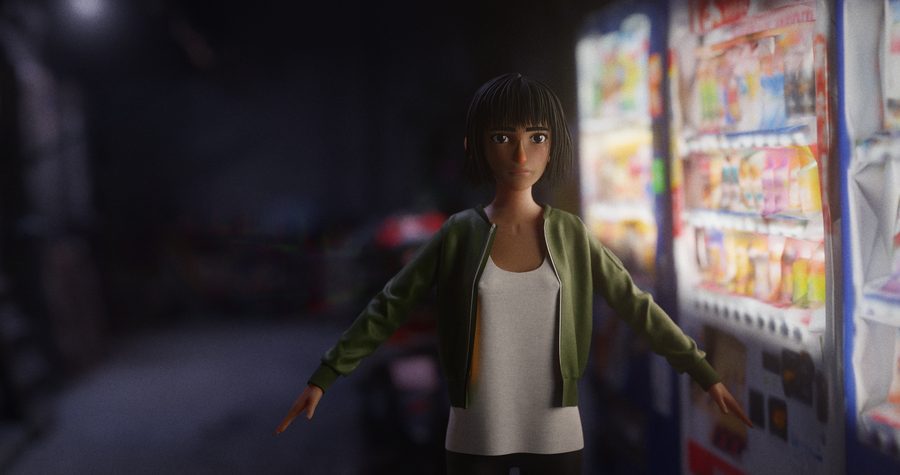
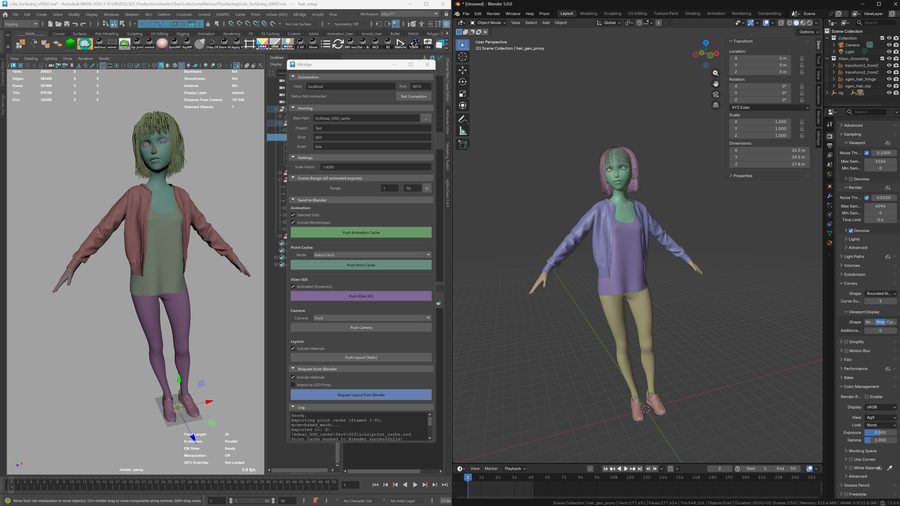
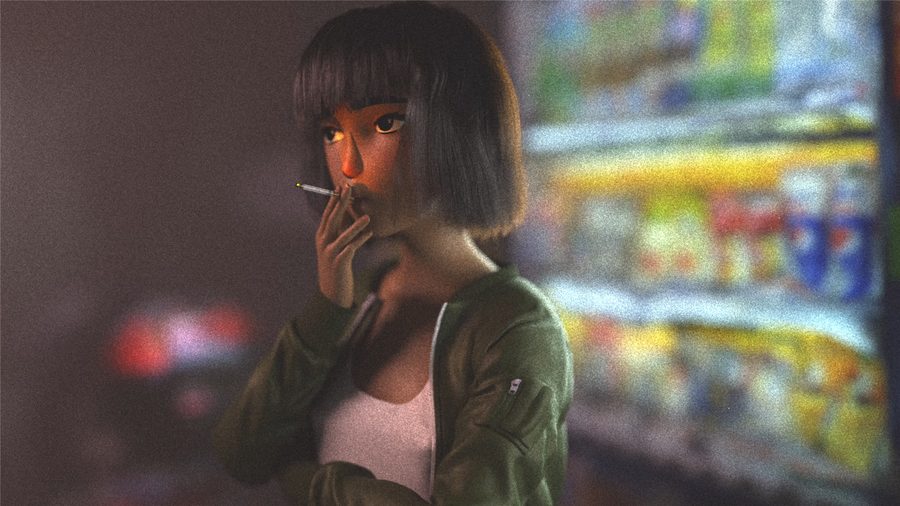
Visualize the progress. Turn it into a reel.
Watch your project grow
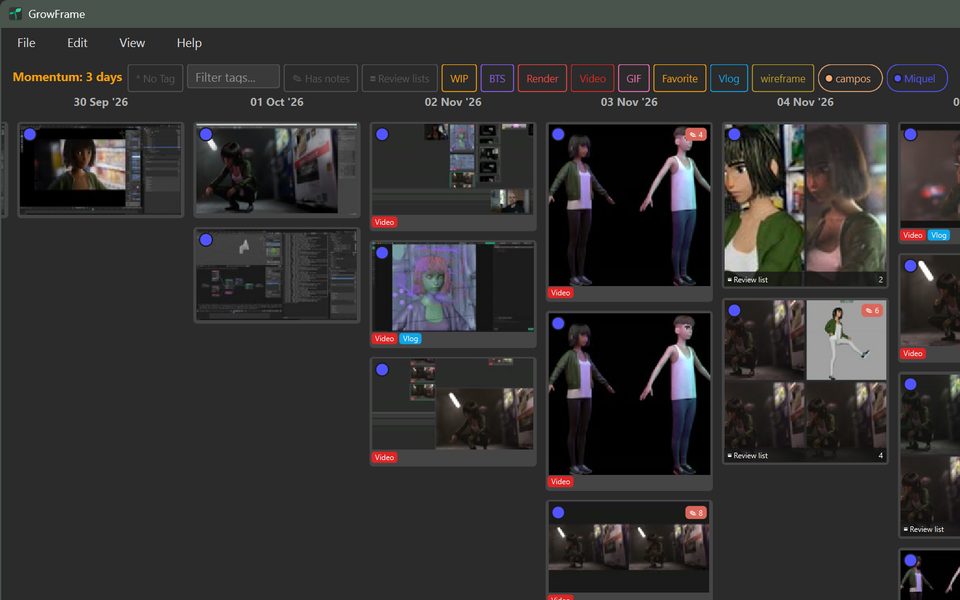
A calendar view of every day you work. Drops stack up in today's column; weeks of progress lay themselves out. Open the app and the timeline itself becomes the motivation — and the momentum counter rewards showing up, not output.
Reels in one click
Tag your entries as you drop them in. Pick a tag, pick a date range, hit Export. GrowFrame's export engine renders timelapses, grid images, montages, side-by-side comparisons — in Square, Portrait, Landscape, and Vertical, all in one pass. The tags are how you tell the reel which story to tell.
Your data, your disk
No GrowFrame cloud, no account, no tracking. Your timeline is a folder on your disk — back it up where you want, sync it however you like, share it with your team, move it freely between machines. The work stays yours.
Drop work in any way
Drag from the desktop. Capture the screen. Import a folder of renders. Or point a watch folder at iCloud or Dropbox so anything you shoot on your phone lands in today's column without you opening the laptop.
Deadlines stay visible
Set milestones for festival deadlines, gallery dates, your own checkpoints. Countdowns and overdue indicators surface on the calendar, so the goal is always in your peripheral vision while you work.
One app, every project
Each project gets its own calendar, tags, and accent color. Your animated short, your photography year, your commercial work — all in one app, one click between them.
Talk about the work. Frame by frame.
GrowFrame has always been about seeing your progress. 1.1 is about talking about it — with yourself, with your team, and with your audience. If you have GrowFrame, you have 1.1.
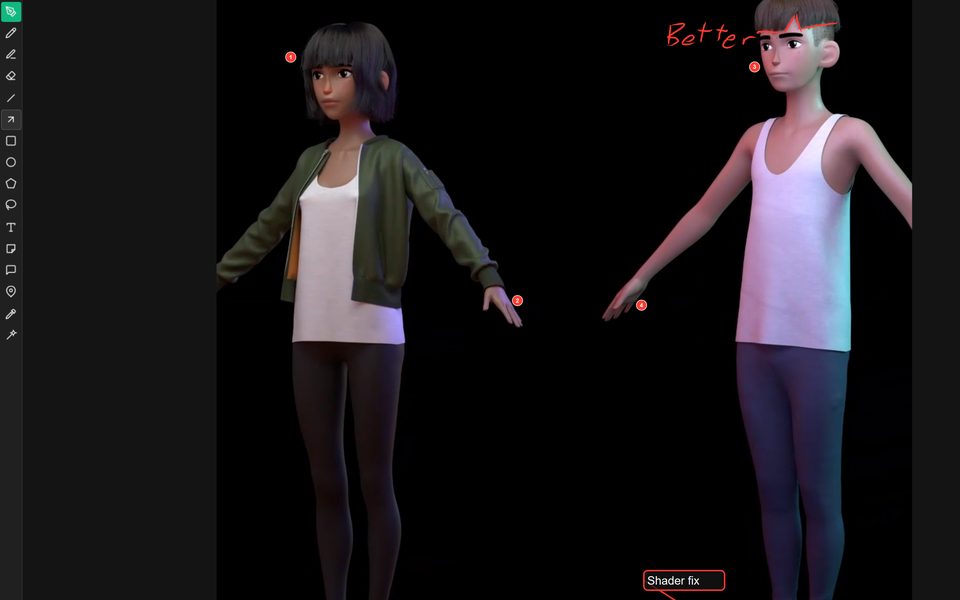
Draw on the frame
Open any image, GIF, or video in Review and draw your feedback where it belongs — pressure-sensitive pens, arrows, callouts, numbered pins. Every note sits on the exact frame, on a track you can drag. Reply, @mention, and export a PDF review sheet or a review reel when you're done.
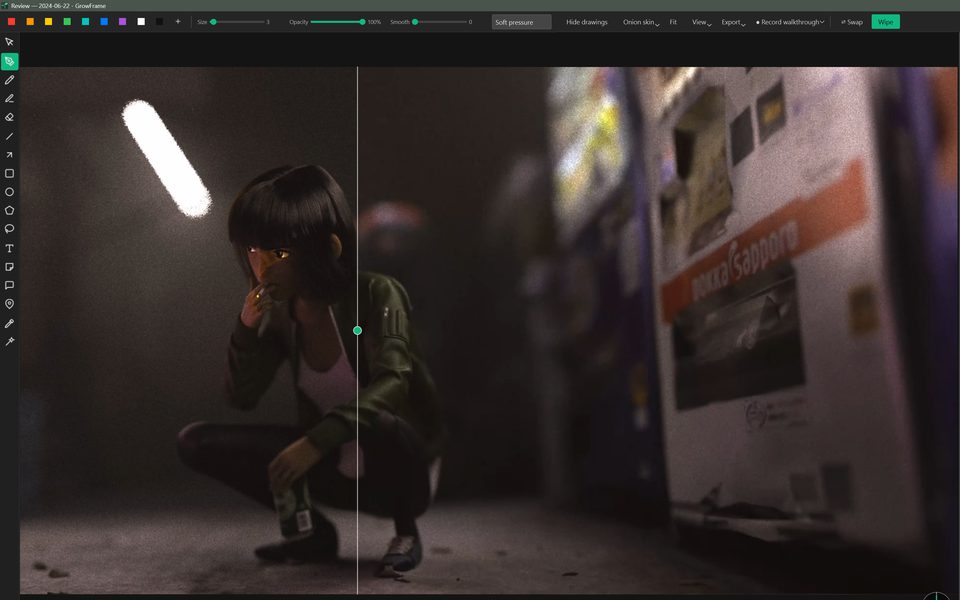
Yesterday next to today
Put 2–4 entries side by side in perfect sync, or drag a wipe between two days. Videos, GIFs, and images mix freely. Review the comparison, then keep it as a new entry — or gather a whole batch into a review list and play it back to back.
Bring your team
Share a project through a folder your team already syncs — Dropbox, Google Drive, OneDrive, a NAS. Everyone adds their own work and draws on everyone else's. No server, no account: GrowFrame itself still never goes online.
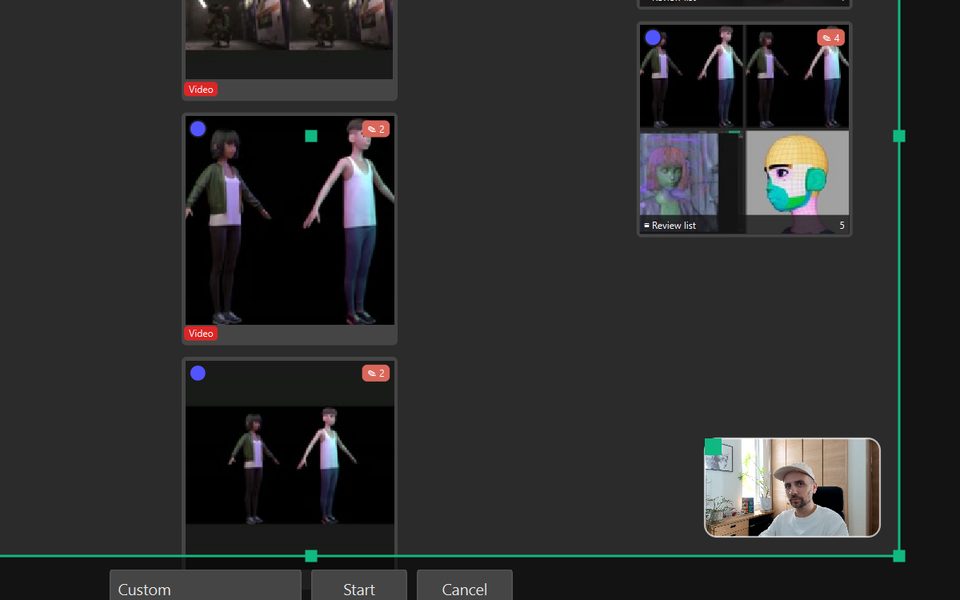
Record yourself working
Screens, up to two cameras, and your microphone in one Record window. A vlog, a voice-over on a screen recording, your face in the corner, or a timelapse of the whole session — each lands in today's column, ready for the reel.
Four reels, zero editing.
Every reel below was generated from a real GrowFrame timeline in one click. Pick your tags, pick your range, done.
Name your price.
Own it.
No subscriptions, no tiers. Pay what feels fair — €35 is the suggestion, and €0 is a real option. Every price gets the same app, the same license, and the same updates. If it becomes part of your practice, paying what you can is what keeps a one-person studio making it.
- Pay what you want — €35 suggested, €0 welcome
- Same app at any price — nothing held back
- Updates included (free)
- macOS 15+ (M1+) and Windows 10/11
- 1 license activates on 2 machines (fair use, 1 user)
FAQ.
Yes. Type any amount at checkout — €35 is the suggestion, €0 works too. Whatever you pay, the license key is yours and updates are included. No subscription, no nag screens, nothing locked behind a higher price.
Yes. Every license gets 1.1, and your existing key — beta or 1.0 — keeps working. Install the new version over the old one; there's nothing to reactivate.
macOS 15 or later on Apple Silicon (M1 or newer), or Windows 10 / 11. Intel Macs aren't supported — the macOS build is Apple Silicon only.
Images (PNG, JPG, JPEG, BMP, TIFF, WebP), videos (MP4, MOV, AVI, MKV, WebM), and GIFs. GrowFrame stores originals locally and generates its own thumbnails for the grid.
On your machine. GrowFrame is a local-first desktop app — no cloud, no account required, no tracking. Your timeline is a folder on your disk you can back up, sync with iCloud/Dropbox, or move freely. Team projects work the same way: they live in a folder your team already syncs.
No. GrowFrame only reads and writes files in a folder that your own cloud drive or NAS keeps in sync. GrowFrame itself never opens a network connection. Everyone can review and reply to anything; only the author edits or deletes their own entries and notes.
Phone and screen videos often have a variable frame rate. GrowFrame makes a constant-frame-rate review copy once, with a progress bar, so every note lands on the exact frame. Your original file is never changed.
Turn on Windows Ink for your tablet in the tablet driver's settings. Review's pressure control reminds you of this too.
Yes. Create as many projects as you like — each gets its own timeline, tags, and reels.
One license activates on up to 2 machines at the same time — a fair-use allowance meant for one person (your desktop and your laptop, for example). It's not a team license — in a team project, each member uses their own key (pay what you want, so that can be free).
No — I'm a solo developer and staying focused on the desktop experience. But GrowFrame has a watchfolder system: point it at any folder that syncs to your phone (iCloud Photos, Dropbox, Google Drive, Syncthing) and any image or video you drop in from your phone lands in today's column automatically.
GrowFrame is built by a person. It started out coded by hand; later in development, AI helped with the code — but it isn't vibe-coded. There's no AI-generated art, branding, or imagery in the app. For my own art I keep AI out entirely.